 Working
App for your computer
PayGrid
See every bill in your month on one screen, and plan which to pay first.

Plugin for Obsidian
Pick notes in Obsidian and Claude predicts what they can make together.
A big pile of notes holds good ideas, but it is hard to see which ones fit together. Prediction Nodes asks Claude and shows the answer as a new gold node in your graph. The text of your picked notes is sent to Claude when you press Predict. It uses your own Claude Code plan, so no API key is needed.
Alt+click notes in the graph, right-click a note or folder, or run a command that adds a note's linked notes.
Claude names the most valuable thing the notes can make together, with a one sentence pitch and a score from 0 to 100.
The path is numbered, and each step shows chips for the notes it uses.
Each card lists what is missing and other ideas. Press Predict this instead to try one.
The prediction shows as a gold node linked to its source notes. A small key explains the marks.
Keep writes the prediction as a real note with links to its sources. A kept note can feed the next prediction, so ideas chain.
Ask for 1 to 50 different ideas from the same notes.
Large sets are read in batches first, and nothing in your old notes is changed.
A window finds ideas across groups of notes and lists the best ones.
It runs through your Claude Code plan with claude -p. It needs Obsidian 1.7.2 or newer, on desktop.
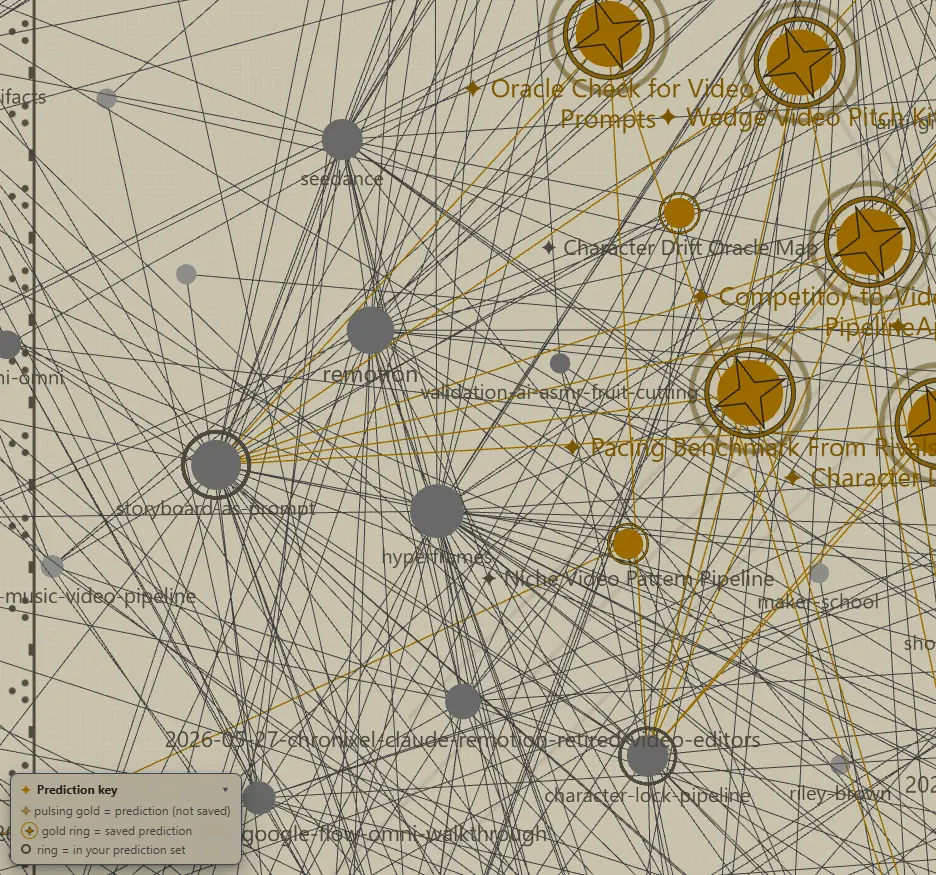
Real screens from the plugin, made in a test copy of Obsidian with test notes.
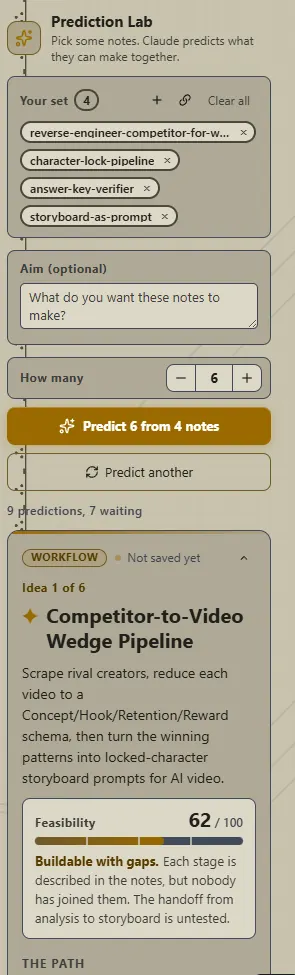
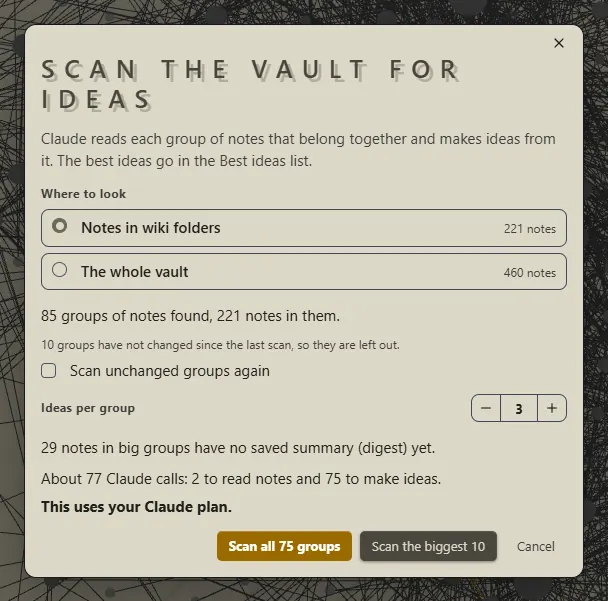
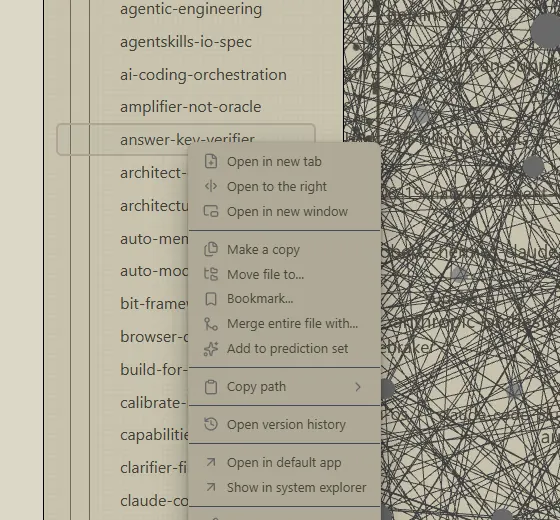
Pick some notes. Alt+click them in the graph, or right-click them.
Press Predict in the Prediction Lab. You can also type what you want the notes to make.
Claude shows a card with the idea, a score and the steps. A gold node appears in the graph.
Press Keep to save it as a note. Add it to your picks to make the next idea.
WorkingApp for your computer
See every bill in your month on one screen, and plan which to pay first.
 Working
 Working
Tool in your browser
A hand-drawn style diagram app that runs from one file, with no internet.
 Working
 Out now