 Working
App for your computer
PayGrid
See every bill in your month on one screen, and plan which to pay first.
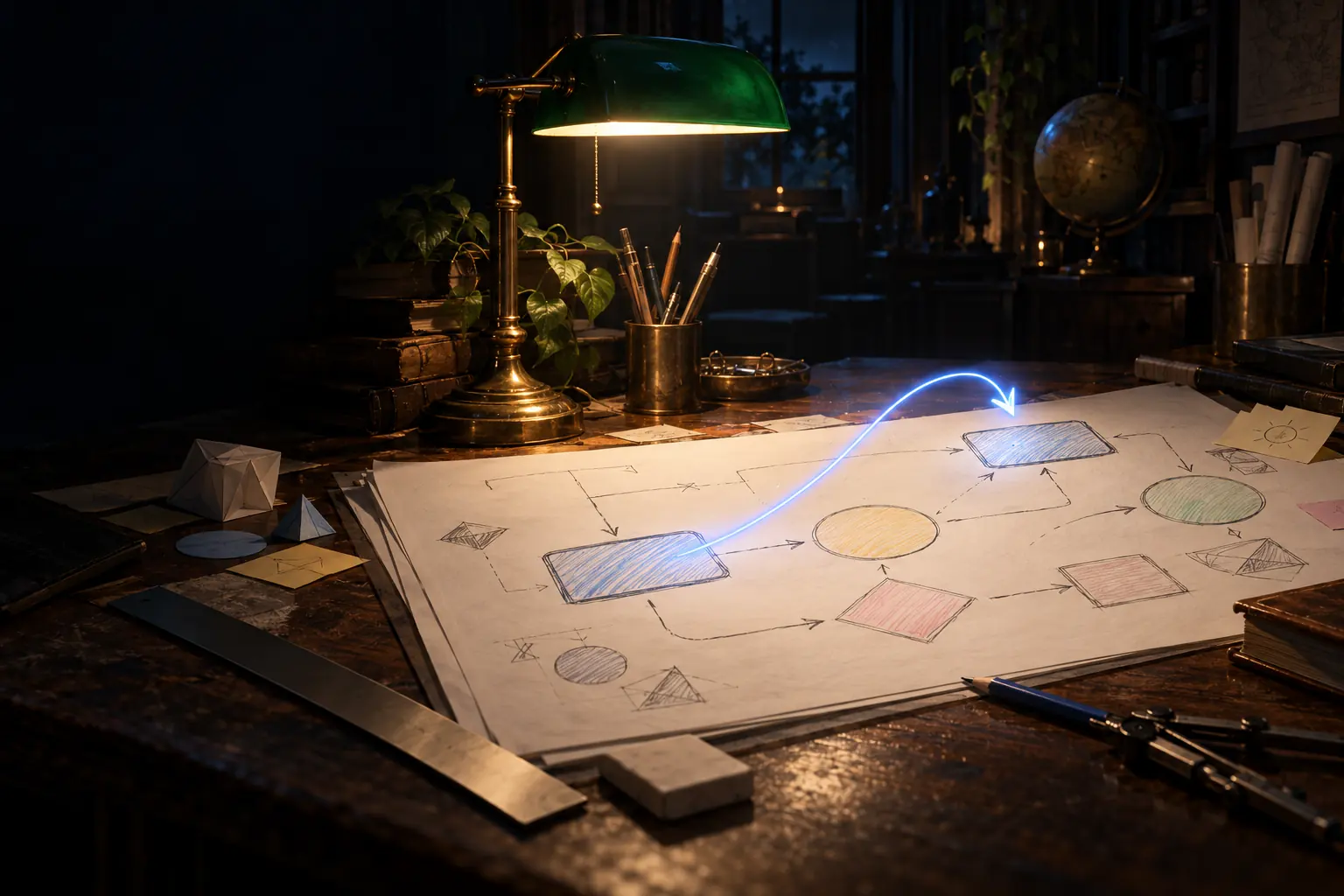
Tool in your browser
A hand-drawn style diagram app that runs from one file, with no internet.
Many drawing sites need an account and send your work online. StationDraw does not. You open one file in your browser, and your drawings stay on your own computer.
Select, hand, rectangle, diamond, ellipse, arrow, line, freehand draw, text, image, eraser, frame and laser pointer.
Shapes keep the same wobble when you pan or zoom, so they do not shake.
Arrows attach to shapes and follow them when you move them. Double-click a shape to add a label.
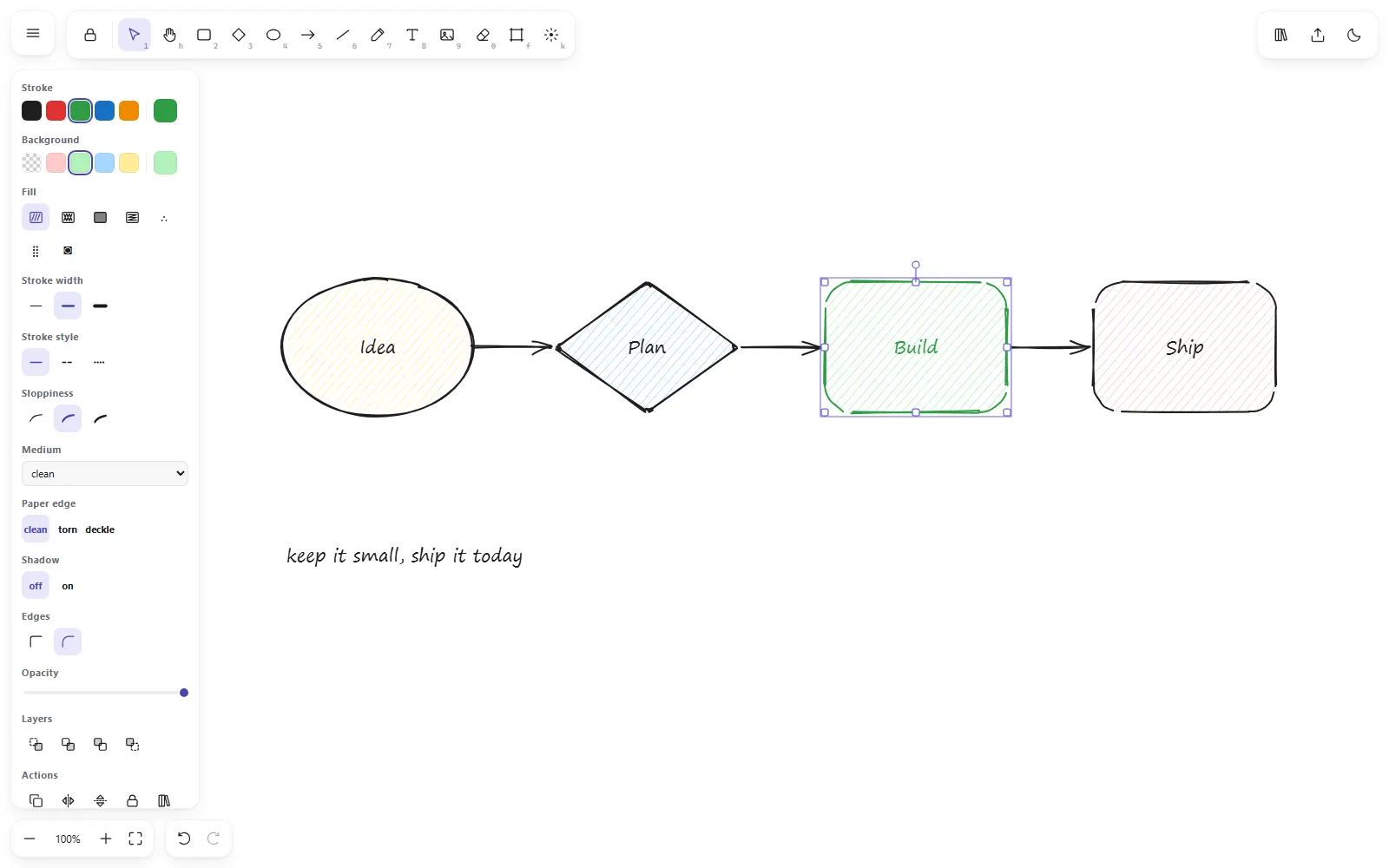
Stroke color, fill color, line width, dashes, how rough the lines look, rounded or sharp corners, and opacity.
Felt-tip, marker, chalk, pencil and highlighter pens. Torn and deckle paper edges, and drop shadows.
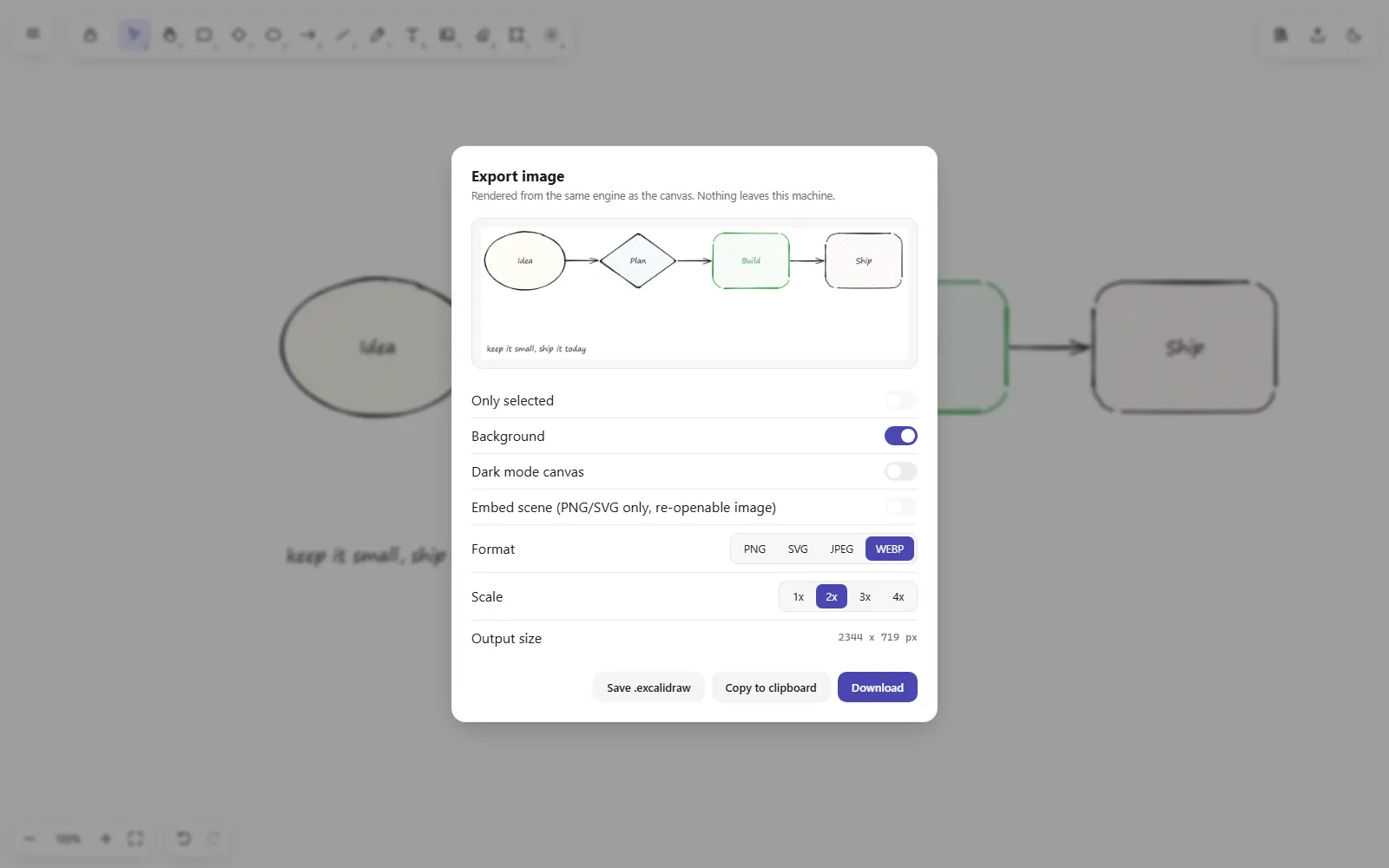
PNG, SVG, JPEG or WebP at 1x to 4x, for the whole drawing or only what you selected.
Open and save drawing files, plus a shape library file.
Switch modes any time. Press Ctrl+F to find text and frame names.
Drawings are saved in your browser. No account and no server. The browser keeps about 5 MB, so a drawing full of big images can fill it. The app warns you.
Press ? in the app to see all 50 keyboard shortcuts.
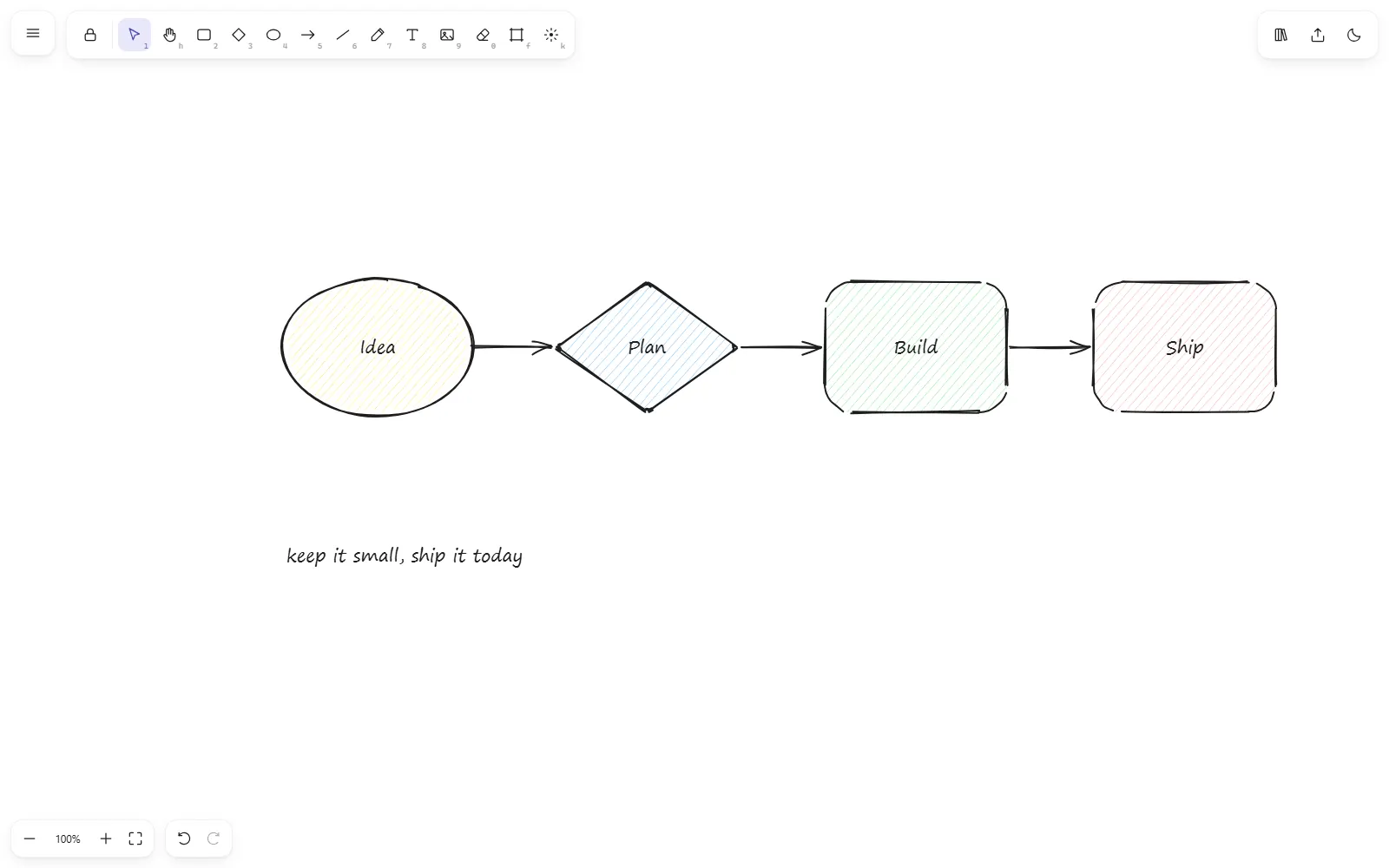
Real screens from the app, with a demo drawing.
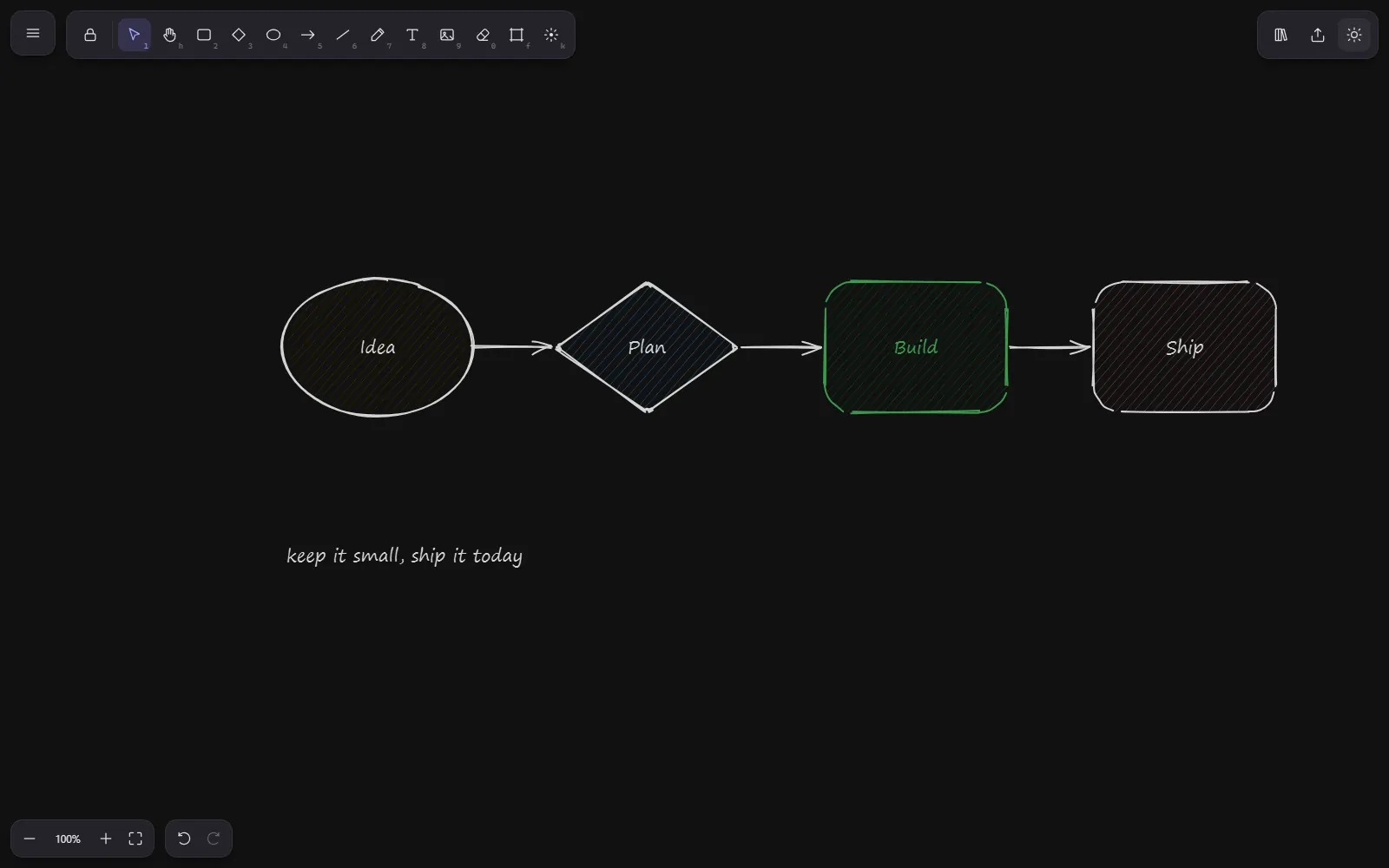
Double-click the one HTML file. It opens in your browser.
Pick a tool and draw shapes. Double-click a shape to type a label.
Click a shape to change its colors and style in the side panel.
Export a picture, or save the drawing as a file.
WorkingApp for your computer
See every bill in your month on one screen, and plan which to pay first.
 Working
 Working
 Working
Plugin for Obsidian
Pick notes in Obsidian and Claude predicts what they can make together.
 Out now